READY
Waiting for a mission
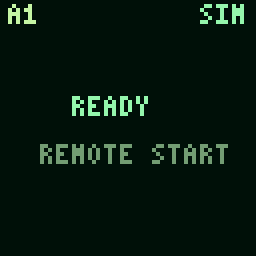
The panel shows READY and REMOTE START.
Next question or action
An operator-authorised rehearsal can begin. Readiness is a display state, not proof that every subsystem passed a pre-flight check.
EXPLORE / QUADCOPTER SURVEY
An observation becomes a report. A second viewpoint can support it—or leave a question open. Follow that story across the panels.
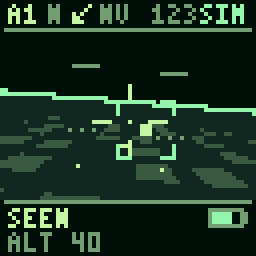
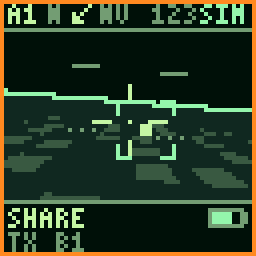
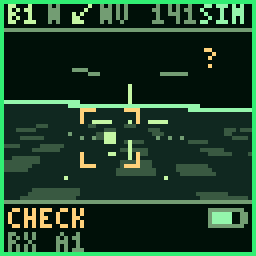
These are code-rendered documentation fixtures from a scripted survey rehearsal. They explain the display vocabulary; they do not record autonomous flight, live packets or an agent’s private reasoning.
01 / THE MISSION STORY
The objective gives the same wall a different emphasis. Observe foregrounds the survey; Compare reports foregrounds checking and disagreement; Recovery foregrounds returning and availability.
01
A shared start and an objective.
READYWait for a run
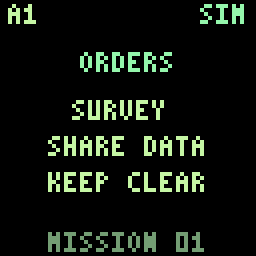 ORDERSRead the objective
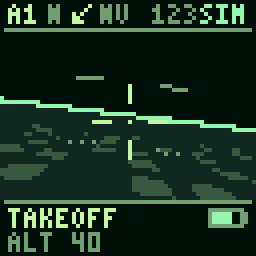 TAKEOFFBegin the rehearsal
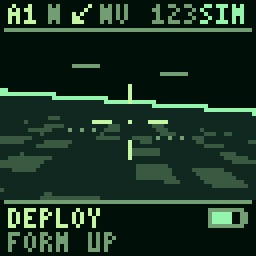 DEPLOYForm up
02
Notice, report and seek another viewpoint.
SCANLook for a candidate
SEENNotice something
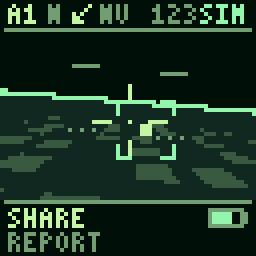 SHAREOffer a report
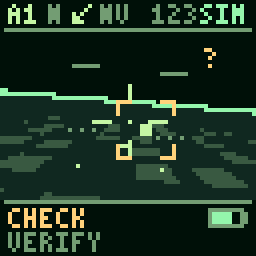 CHECKSeek corroboration
03
Returning is a valid outcome, even without a finding.
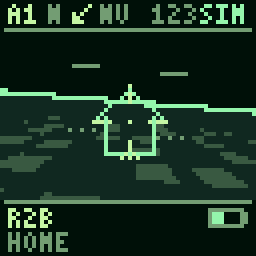 R2BReturn to base
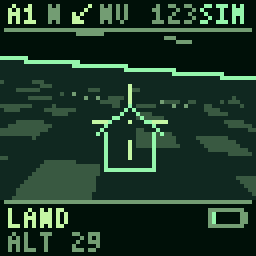 LANDFinish the return
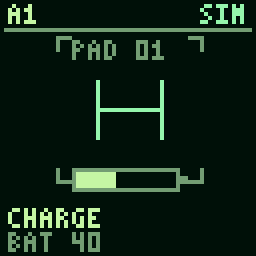 CHARGEShow replenishment
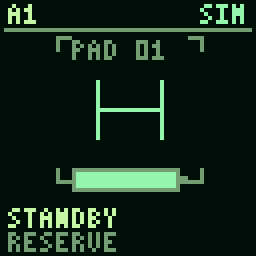 STANDBYWait for another role
Selected milestones, not a complete state machine. A node can wait, lose an observation or return without following every step. The camera, altitude and battery graphics describe a simulated situation.
Open the original timeline diagram ↗02 / QUESTIONS BEHIND THE PICTURE
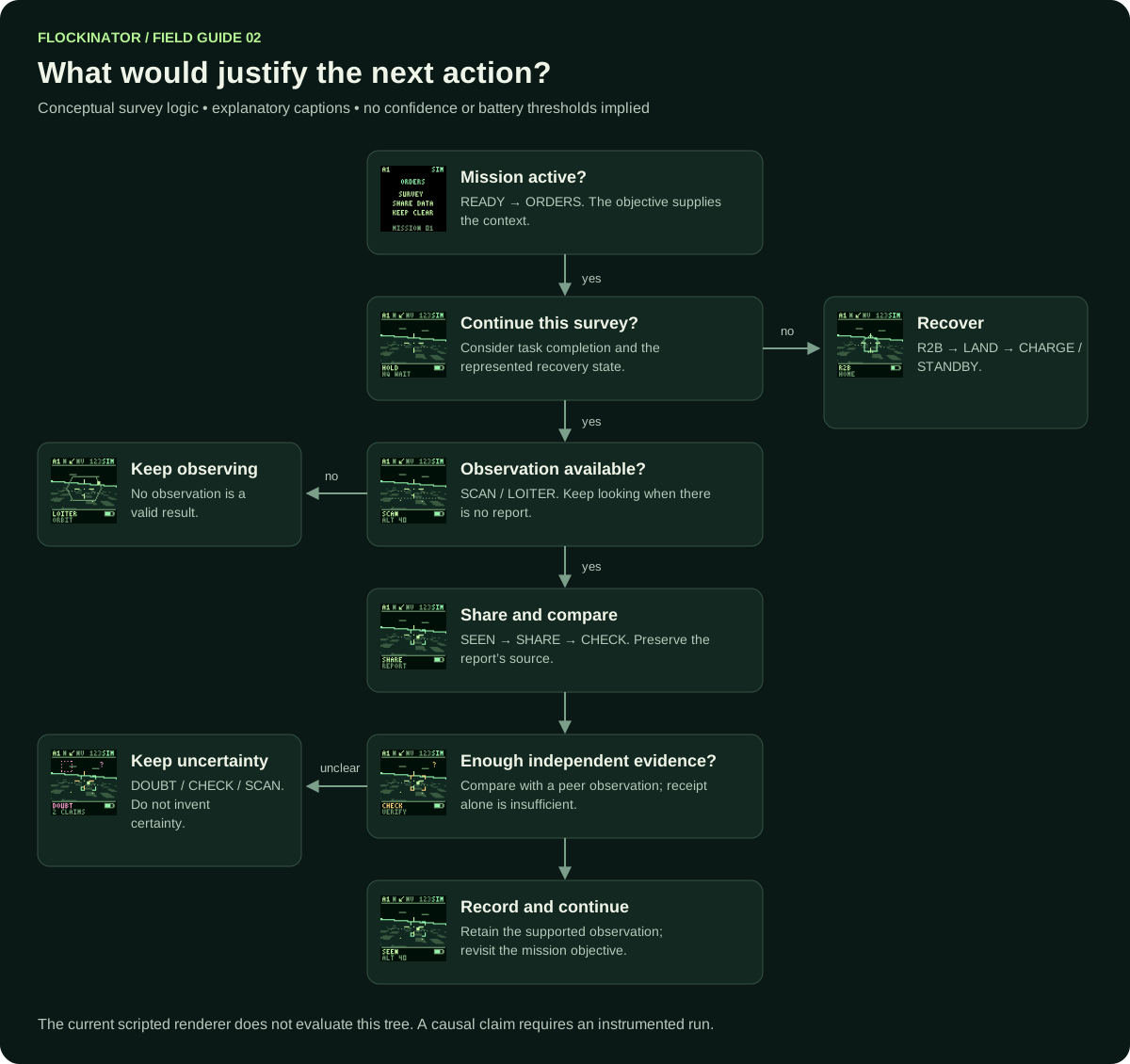
An explanatory path for the observer. The scripted scheduler does not execute this decision tree.
Read the briefing. A survey, a comparison and a recovery sequence ask different things of the group.
Completion and availability matter too. Returning without a positive observation can be the appropriate outcome.
Separate a fresh private observation from a peer’s report, a stale view or missing information.
SHARE invites comparison. CHECK asks for corroboration. Two repeated reports may still come from one underlying source.
If it conflicts, keep uncertainty visible. DOUBT is a useful prompt to investigate rather than manufacture certainty.
Connect the report to the decision and its outcome. That is where an experiment begins.
03 / READ THE BORDER AND THE PEER
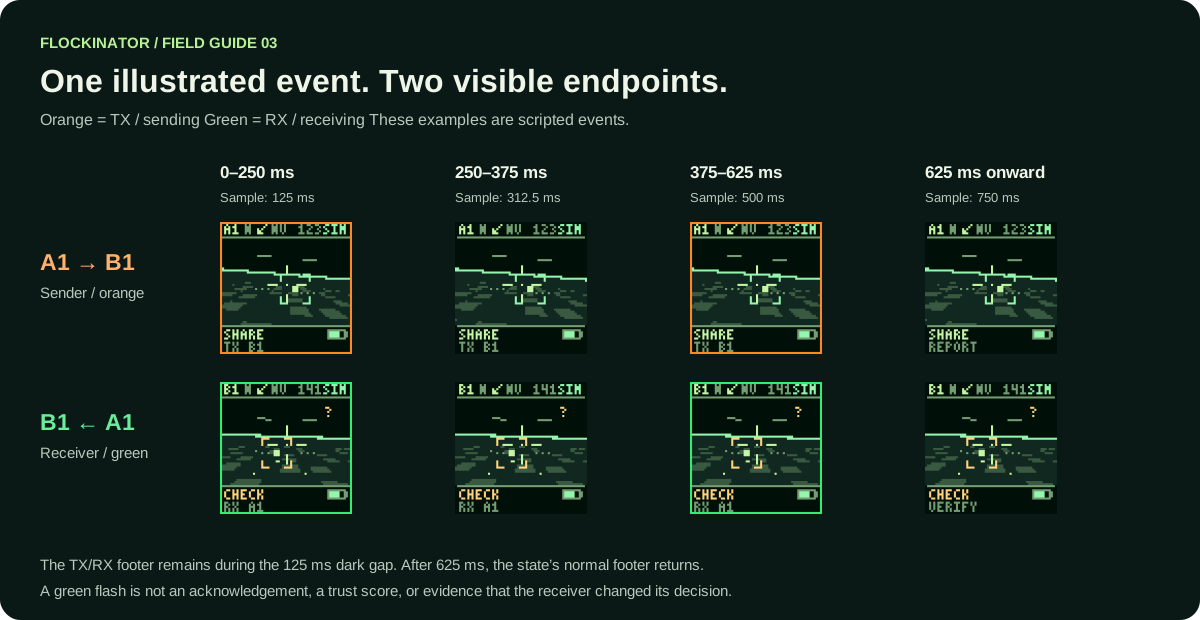
Orange / TX means sending.
Green / RX means receiving. In this
illustrated pair, A1 shows TX B1 and B1 shows
RX A1. The footer identifies the peer; it does not show
the message payload.
First flash
Gap · peer label remains
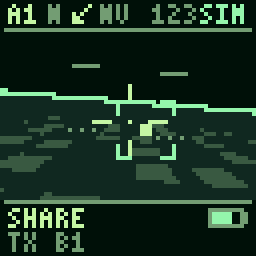
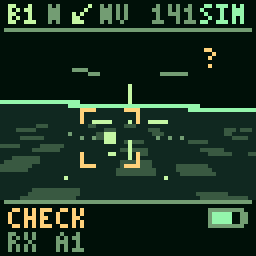
Second flash
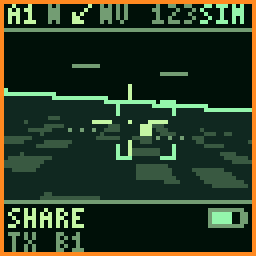
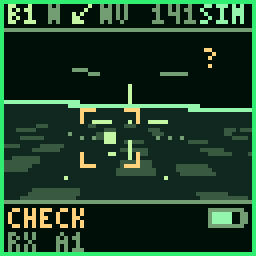
Normal footer returns
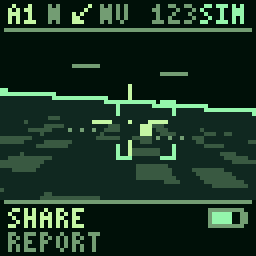
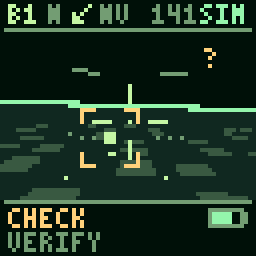
Four still samples of the same double flash: 125, 312.5, 500 and 750 ms. The one-pixel border is on for 250 ms, off for 125 ms, on for 250 ms, then off. These paired indicators are constructed from scenario time and node identities.
TX ALL marks a broadcast; each receiver still names
the source. A matching flash does not by itself establish radio
delivery, an acknowledgement or a change of decision.
Keep three different problems separate: LOST means the observation is unavailable; NOLINK represents a stale view; DOUBT presents conflicting claims.
READY, APPROVED, ORDERS and BLANK bypass the general border overlay. The optional ARGB channel grid is another way to make communication visible, described in the swarm build guide.
Open the original communication diagram ↗04 / ONE OBSERVATION, DISTINCT ROLES
A separate twelve-second browser fixture illustrates shared ownership. The roles and P1 label are predetermined; the sequence explains a coordination story rather than demonstrating a learned auction or consensus algorithm.
A source announces beacon P1 and broadcasts to the group.
P1 is displayed first in the task order. No new event is sent.
Two selected nodes offer to inspect. The fixture shows claims addressed to the source at 4.000 and 4.875 seconds.
The source broadcasts an assignment at 6 seconds. One node owns the task; the others yield.
The owner observes while the others return to scanning.
The broadcaster and the observation owner can be different nodes. “I sent the assignment” and “I own this task” describe different roles.
05 / THE PANEL VOCABULARY
Open a group, then a state’s next question. These 64 × 64 firmware frames are enlarged without smoothing. Their descriptions are an observer’s interpretation of a documented fixture.
The panel shows READY and REMOTE START.
An operator-authorised rehearsal can begin. Readiness is a display state, not proof that every subsystem passed a pre-flight check.

MISSION APPROVED blinks on a black panel.
Show the mission briefing. This is not a real aircraft arming signal.
The briefing shows SURVEY, COMPARE or RECOVER with SHARE DATA and KEEP CLEAR.
Interpret later observations against the selected objective. The illustration uses the survey briefing.
The camera and altitude presentation transition into the flight view.
Proceed to the deployment presentation. No motor command is produced by this renderer.
DEPLOY and FORM UP accompany the simulated movement.
Begin the observation phase. The moving picture alone does not establish a computed flight plan.
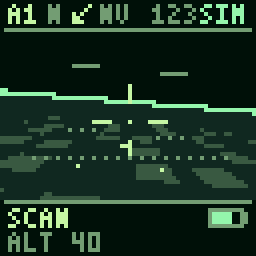
A scanning overlay marks the observation phase.
Keep searching, or enter SEEN when the scenario presents a candidate observation.
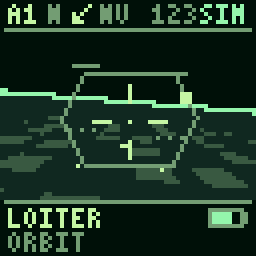
LOITER is accompanied by a GRID or ORBIT caption.
Continue observing, respond to a review request, or move into the recovery branch when the scenario requires it.
A bracket highlights an observation in the scene.
Share a report or seek a check. A bracket is not a confidence score or proof of correct identification.
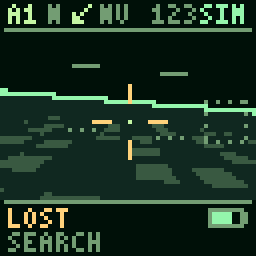
LOST is accompanied by SEARCH.
Revisit the observation task or record that the evidence is unavailable. It does not mean that the network link has failed.
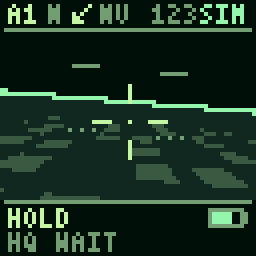
HOLD and HQ WAIT distinguish waiting from active observation.
Continue when the scenario supplies the next instruction. A waiting panel is not evidence that a model is currently thinking.
SHARE normally shows REPORT. During a communication event, the footer can show TX plus the peer label.
A receiver can consider the report alongside its own observation. The current scripted flash does not itself deliver a real payload.
CHECK and VERIFY identify a review state; an RX footer can temporarily replace VERIFY.
Continue observation if evidence is incomplete; record agreement or disagreement in an instrumented experiment. Do not equate receipt with agreement.
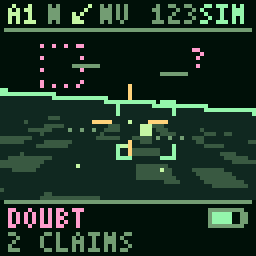
DOUBT, a contrasting reticle and the 2 CLAIMS caption show a conflict presentation.
Request another check, keep the observation unresolved, or resume the survey. Two claims can repeat the same source and are not necessarily independent.
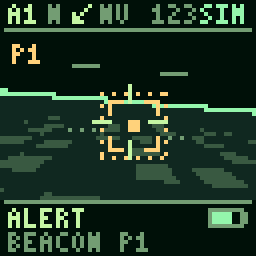
ALERT shows BEACON P1. In the coordination fixture, its source transmits to the other panels.
Move into the fixture's review sequence. P1 is a scripted label, not an inferred urgency or confidence value.
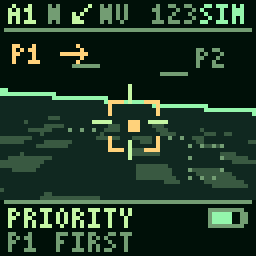
PRIORITY displays P1 FIRST.
The fixture presents candidate volunteers. This display does not implement a learned priority calculation.
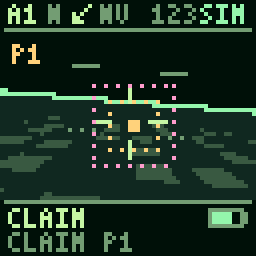
CLAIM displays CLAIM P1. Two predetermined participants send their claims separately to the source in the preview fixture.
Wait for the assignment presentation. A claim is an offer, not ownership or evidence that the node is best placed.
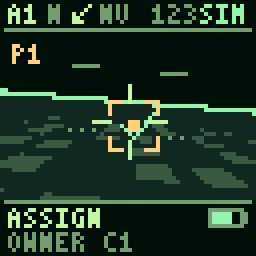
ASSIGN displays OWNER and a node label.
The chosen observer continues observing. The fixture chooses the owner deterministically; no bidding optimisation is demonstrated.
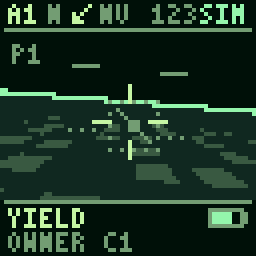
YIELD displays the same OWNER label as the assignment.
Other participants can return to their survey roles. This is a presentation of coordination, not proof of distributed consensus.
R2B and HOME identify the return presentation.
Proceed toward LAND. The example does not specify a real aircraft's reserve threshold or navigation policy.
The camera/altitude presentation descends into the home view.
Show CHARGE or STANDBY according to the scripted outcome.
CHARGE includes an animated battery indicator.
Return to standby when the sequence advances. The indicator is simulated, not a measured charging current.
STANDBY presents the parked state.
Remain available for a subsequent authorised rehearsal.
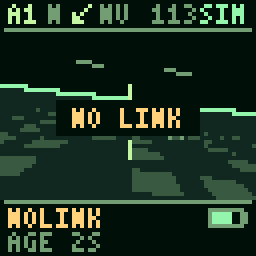
NOLINK freezes the camera presentation and shows an AGE caption.
Treat the represented information as stale. In this scripted mode, AGE is scene time rather than measured packet latency.
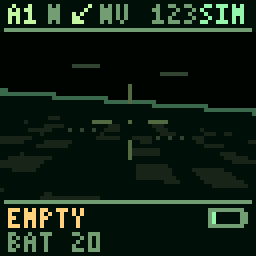
The battery indicator falls and the view dims.
Record the simulated failure outcome. This is not a physical battery measurement or an instruction for aircraft recovery.
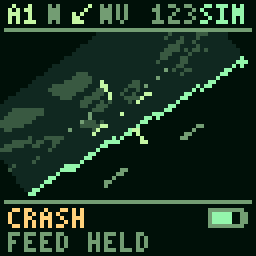
The view rolls toward the ground, then later shows signal loss.
Preserve the event trace for review. The thumbnail shows an early phase of the display sequence, not a photograph or real crash report.
This selected atlas predates the latest rescue-language update. The current public renderer uses EVENT and MARK for two additional states outside this selection. These twenty-five fixtures are preserved as published; they are not a complete catalogue of the current firmware.
06 / FROM A DISPLAY TO A FINDING
The wall gives human observers something to notice. To test whether communication helped, the AI experiment team needs a record connecting what a node knew to what it did.
A reviewer’s later explanation is different from a recorded decision. The separate communication-learning lab tests receiver learning with assigned sender vocabularies; it does not establish that the panel renderer learned a language.
07 / SOURCES AND VERSION
Adapted from the project’s
Reading the swarm field guide. Images and diagrams are copied unchanged from public snapshot
2c02336; source hashes identify the earlier renderer
used to generate them.
The published manifest’s pixel UI, font, communication fixture, coordination fixture and learning-lab hashes match this snapshot. Its model and renderer hashes differ following the rescue-language update. The illustrations are retained as documentation fixtures, rather than presented as newly rendered firmware output.